
DJCONTROL MIX
$129.99
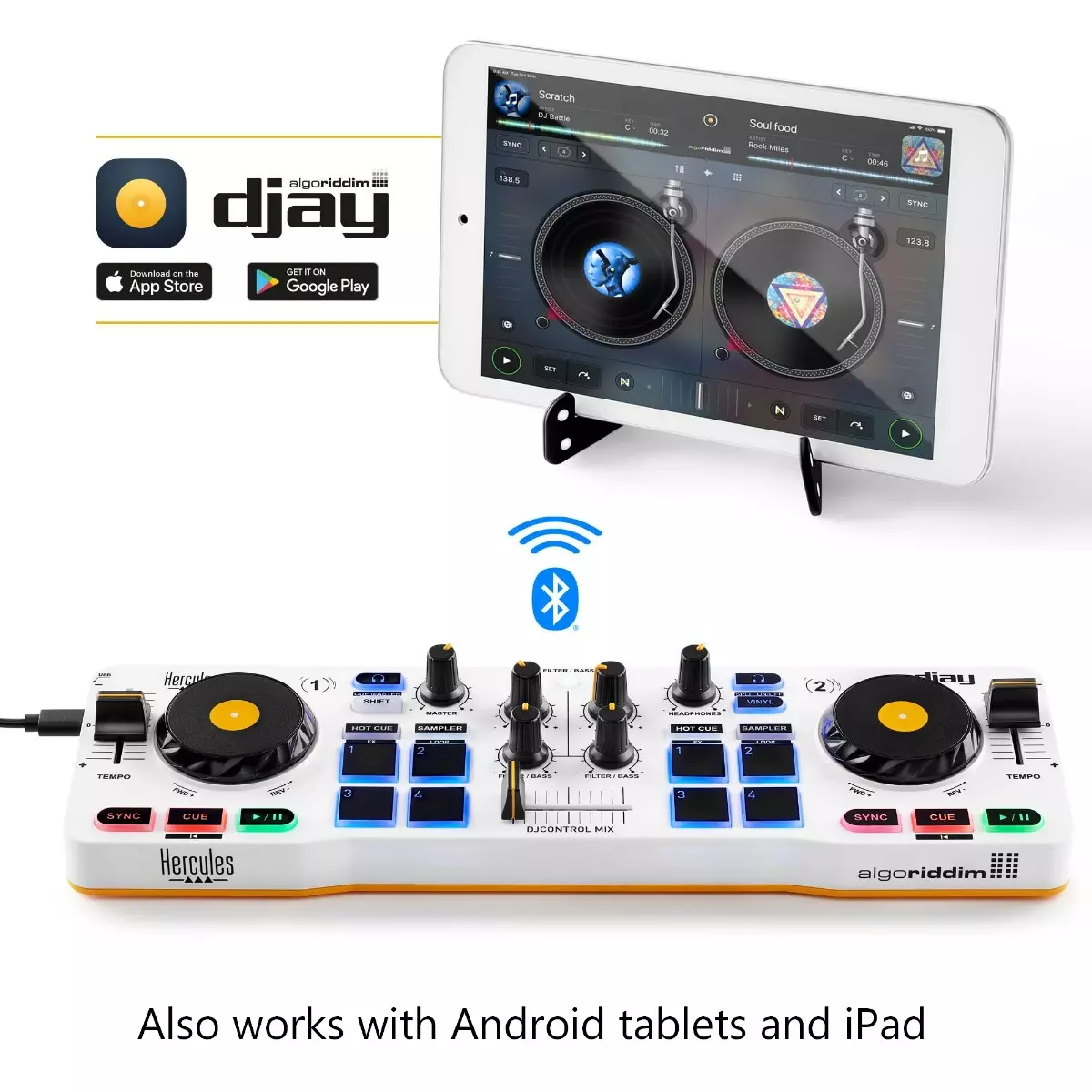
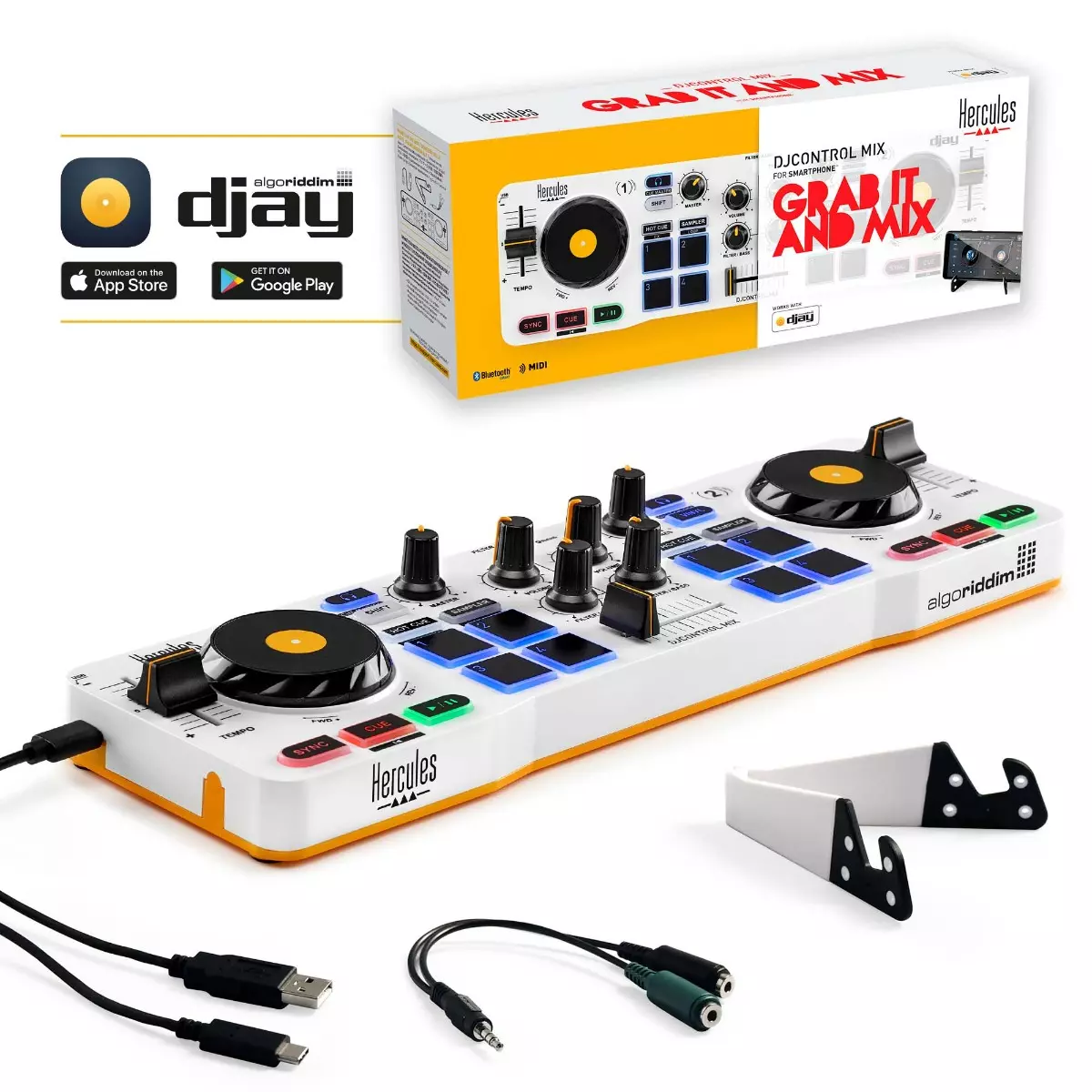
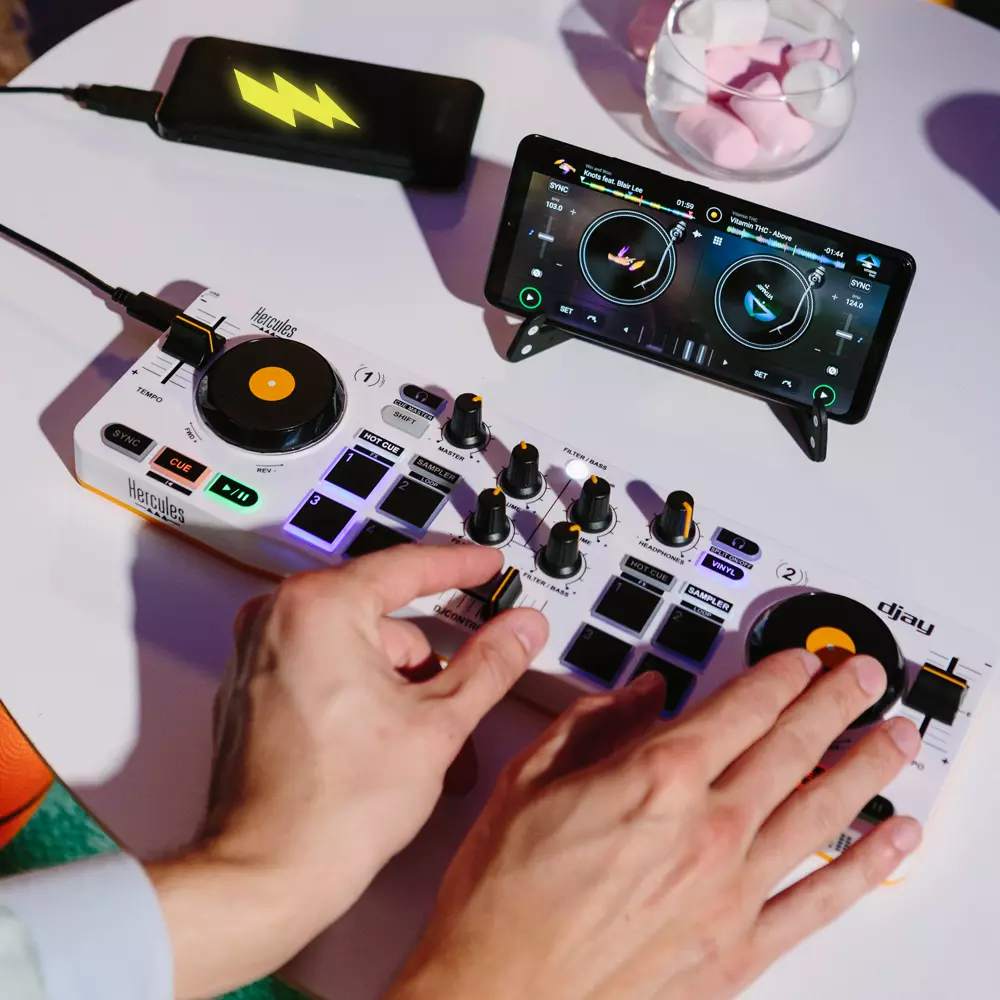
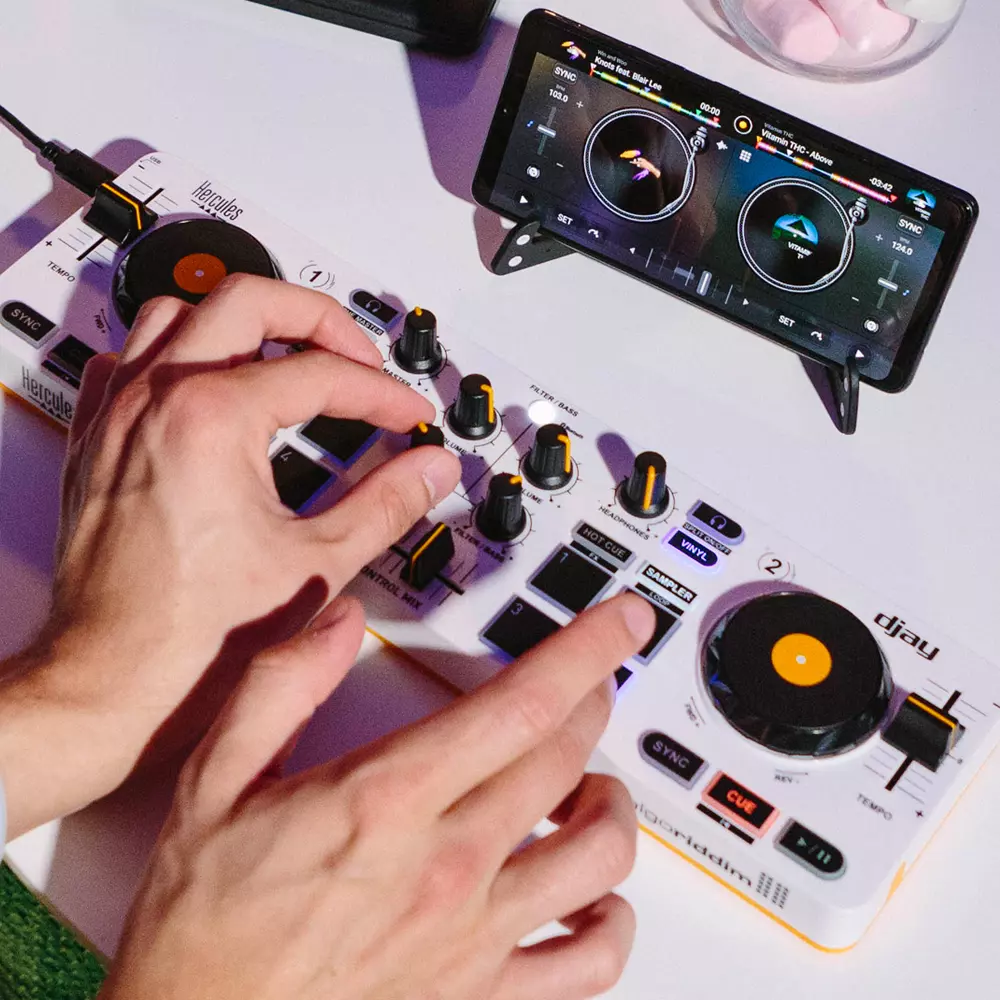
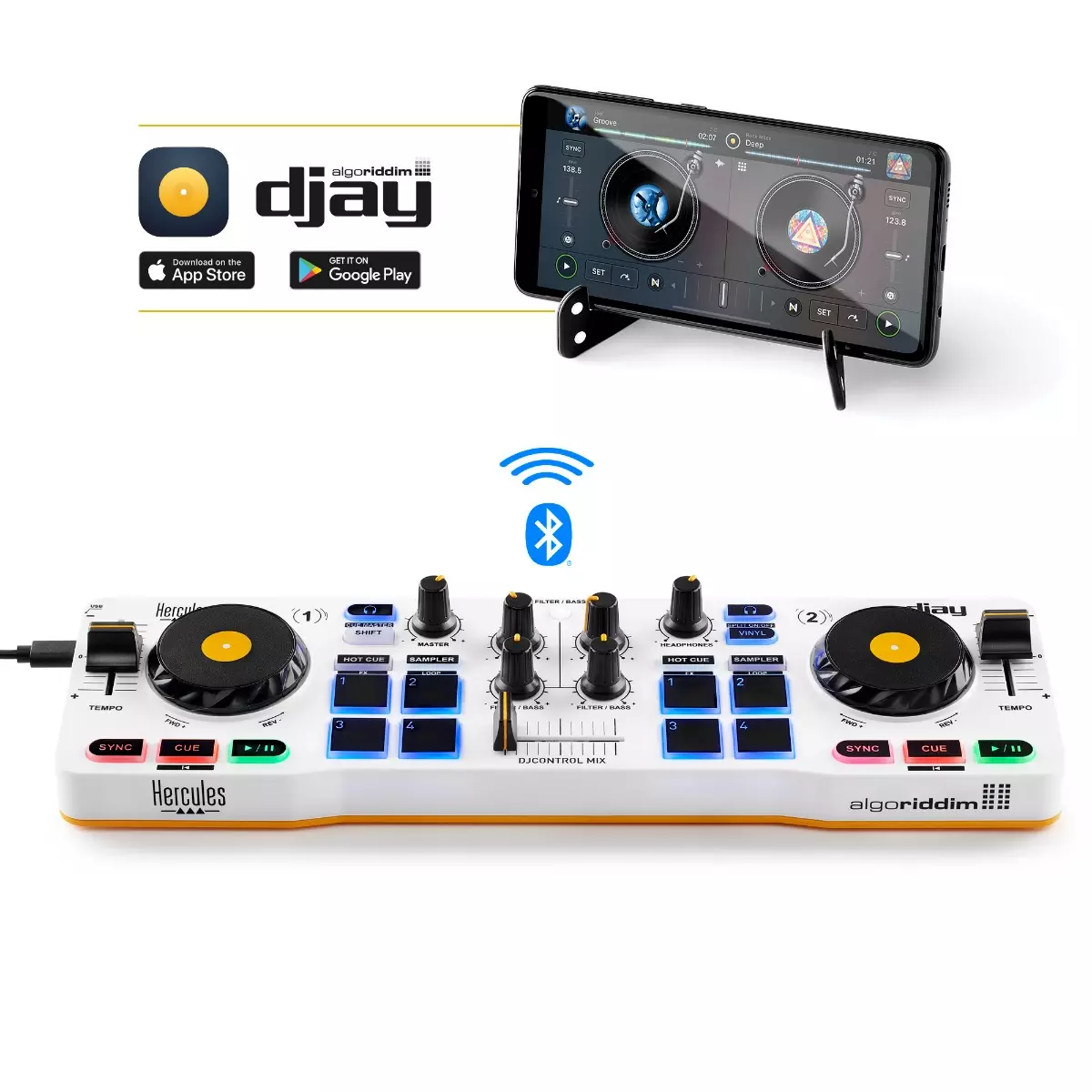
DJControl Mix is a wireless 2-deck DJ controller specially designed for use with iOS and Android smartphones. It connects to the user’s iOS or Android smartphone via Bluetooth Low Energy and controls the djay app.
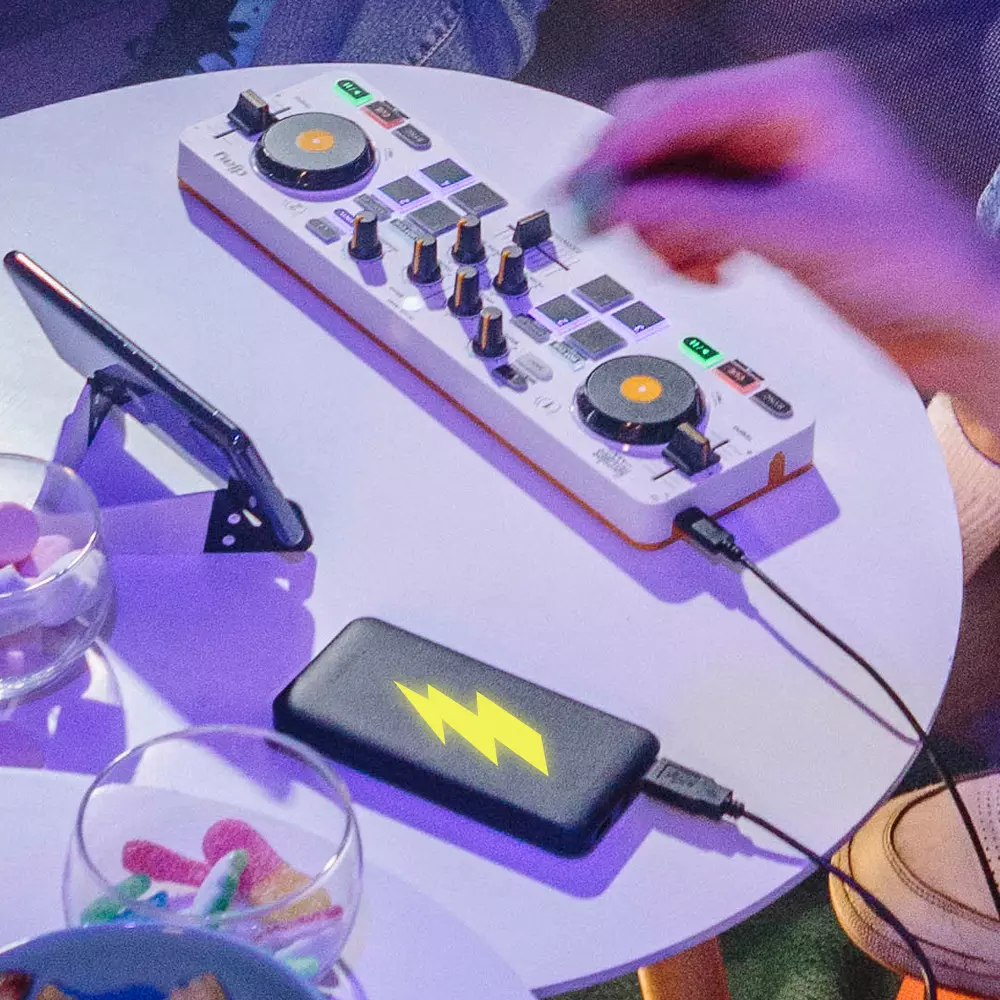
The controller’s size (13.4 x 3.9 x 1.9” / 34 x 10 x 4.9 cm), weight (1.1 lb / 0.5 kg) and overall design are perfect for use with smartphones. It includes a stand for the user’s smartphone and is powered via USB cable, either using a USB power adapter (not included) or a USB battery/power bank (not included).
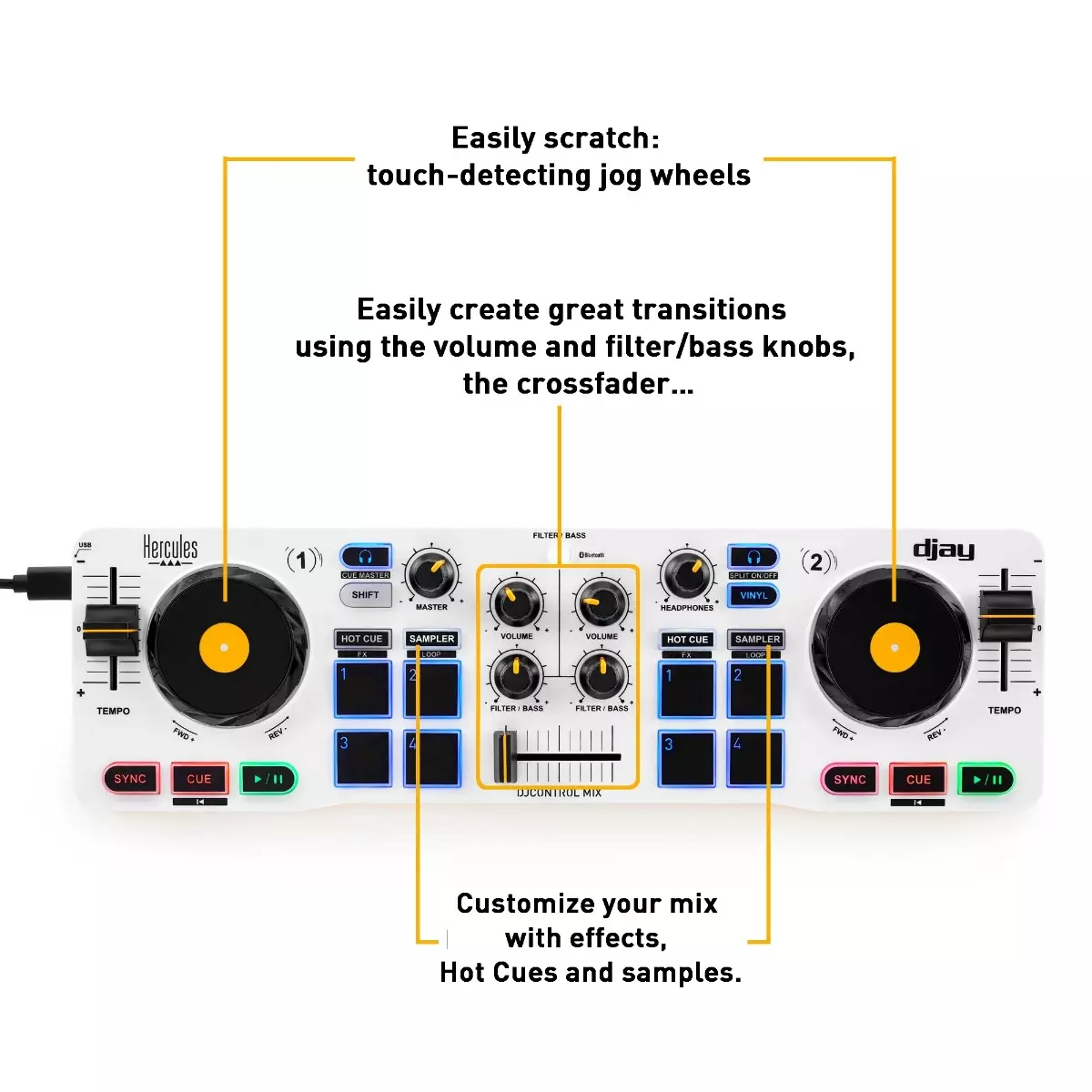
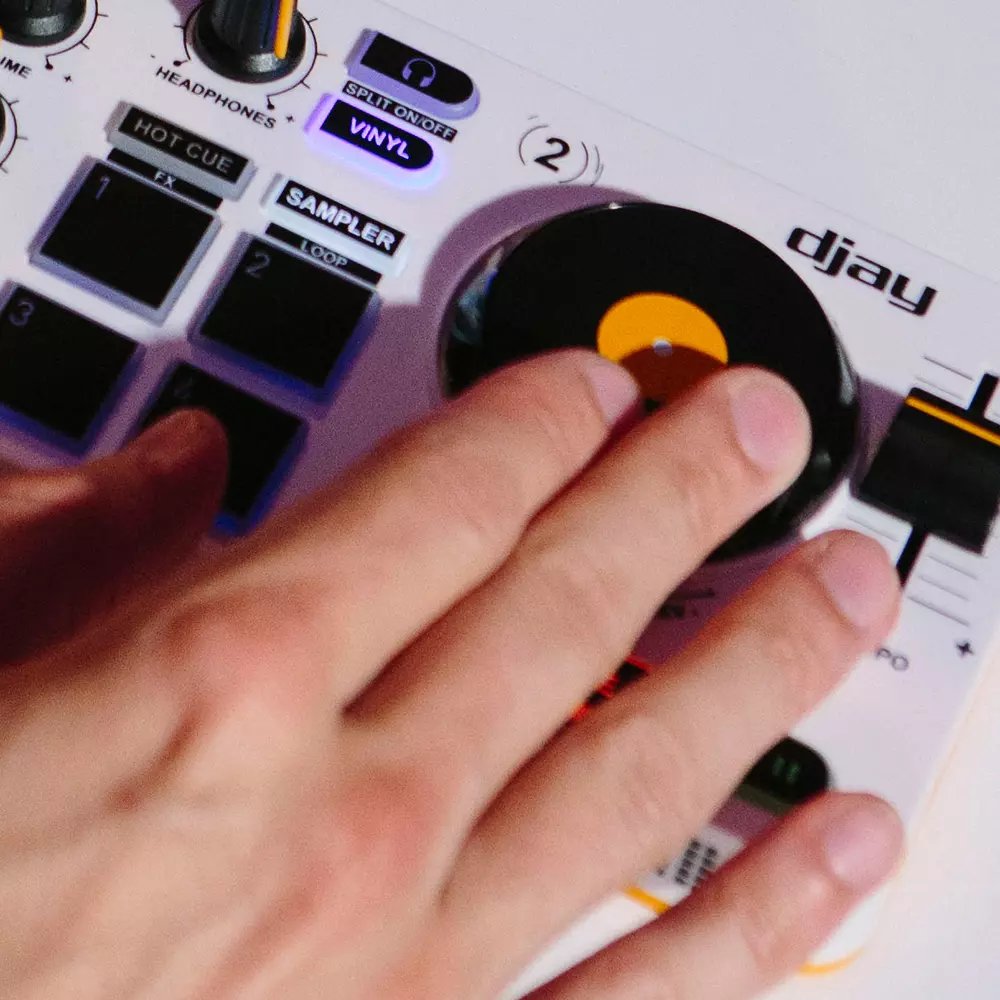
DJControl Mix helps users learn how to mix: its ultra-low latency, precise controls (jog wheels and faders) and extensive set of features (pads, as well as volume and filter/bass control knobs) provide DJs with the same mixing possibilities as professional-grade DJ hardware.
DJs can play their mixes out loud on a Bluetooth speaker (not included) connected to their smartphone, using the smartphone’s headphones output, or on their smartphone’s built-in speaker.
Availability:In stock
The DJ controller for Android and iOS smartphones
It includes the popular djay app by Algoriddim, offering a complete DJing experience with access to millions of tracks through streaming services like Apple Music, TIDAL, Beatport, SoundCloud GO+ and Spotify (with a Premium subscription).
KEY POINTS:
- Bluetooth wireless controller for Android and iPhone smartphones; also for Android tablets and iPad
- Easily mix on your smartphone via Bluetooth Low Energy — connecting is simple and quick!
- It includes the popular djay app by Algoriddim, offering a complete DJing experience with access to millions of tracks through streaming services like Apple Music, TIDAL, Beatport, SoundCloud GO+ and Spotify (with a Premium subscription).
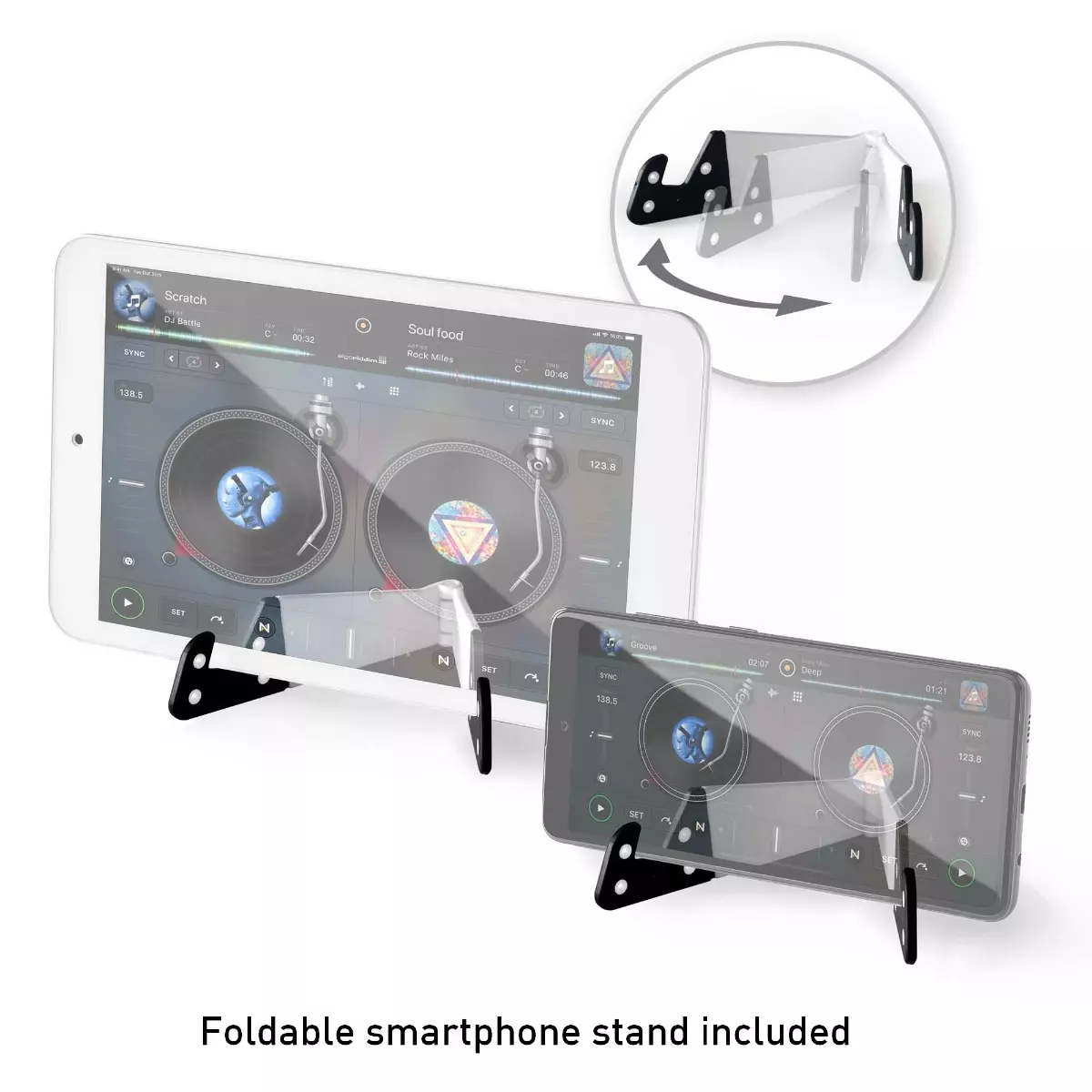
- Foldable smartphone stand included
- Monitor tracks: listen to your mix on headphones using the included splitter cable
- Lets you access essential features for DJing (cue points, samples, effects, loops…)
- Jog wheels for mixing and scratching, plus faders, knobs and pads: mix like you would on a fullsize DJ controller!
- In the djay app, you can mix using tracks stored on your smartphone or from supported music streaming services (TIDAL and SoundCloud [iOS and Android], Beatport [iOS only]); music streaming service subscriptions are required
- Enjoy mixing with 4 SoundCloud playlists including 20 great songs, free of charge and without having to log in

The DJ controller for Android or iOS smartphones
Designed for Algoriddim djay: the DJ app for mixing on a smartphone or tablet.
Easy wireless connection via Bluetooth.

Mix using music streaming services
Plus, mix millions of tracks by pairing the included djay app with a streaming service like Apple Music, TIDAL, Beatport Streaming, SoundCloud Go+ and Spotify (with a Premium subscription).

Smartphone stand included
Works with smartphones and tablets, with or without a cover.
Foldable and non-slip.

Monitor tracks using the included DJ splitter cable
To create great mixes, DJs listen to (i.e. monitor) upcoming tracks on their headphones. They make sure that both the outgoing and incoming tracks work well together, and adjust the speed of one of the tracks (if necessary) before starting to transition between them.

Mode 1: Start mixing quickly via Bluetooth
1. Enable Bluetooth.
2. (Optional) Connect your speaker to your smartphone via Bluetooth.
3. Connect DJControl Mix to an external battery or power adapter.
4. Connect DJControl Mix to your smartphone via the djay app (Settings > MIDI > Scan for Bluetooth MIDI Devices > DJControl Mix).

Mode 2: Monitor tracks like pro DJs do!
1. Enable Bluetooth.
2. Connect DJControl Mix to an external battery or power adapter.
3. Connect DJControl Mix to your smartphone via the djay app (Settings > MIDI > Scan for Bluetooth MIDI Devices > DJControl Mix).
4. Connect the splitter cable to your smartphone, headphones and speaker.
| PRODUCT MEASUREMENTS | ||||
|---|---|---|---|---|
| Dimensions |
|
|||
| Weight | 1.1 lb / 0.5 kg | |||
| Compatible with smartphones and tablets | Requires smartphone or tablet with Bluetooth Low Energy/4.1 or higher – Android 8.1 or higher – iOS 12.2 or higher | |||
| Power supply | Powered via USB: plug the device into an electrical outlet using a USB power adapter (not included), or connect it to an external battery (5 V @ 500 mA) to mix anywhere! | |||
| djay app | Available free of charge on the App Store (iOS) or Google Play (Android) | |||
| BOX CONTENTS |
|---|
| DJControl Mix |
| USB power cable (USB-C to USB-A) |
| Foldable stand for smartphone (or tablet) |
| DJ splitter cable: providing separate outputs for speakers and headphones |
| Quick start guide with warranty information |
Write Your Own Review
DJCONTROL MIX
$129.99
- +